How to Build a Digital Pest Inspection Tracker for Property Managers
A practical guide to designing an inspection database, organizing property maintenance records, and tracking seasonal pest risks.
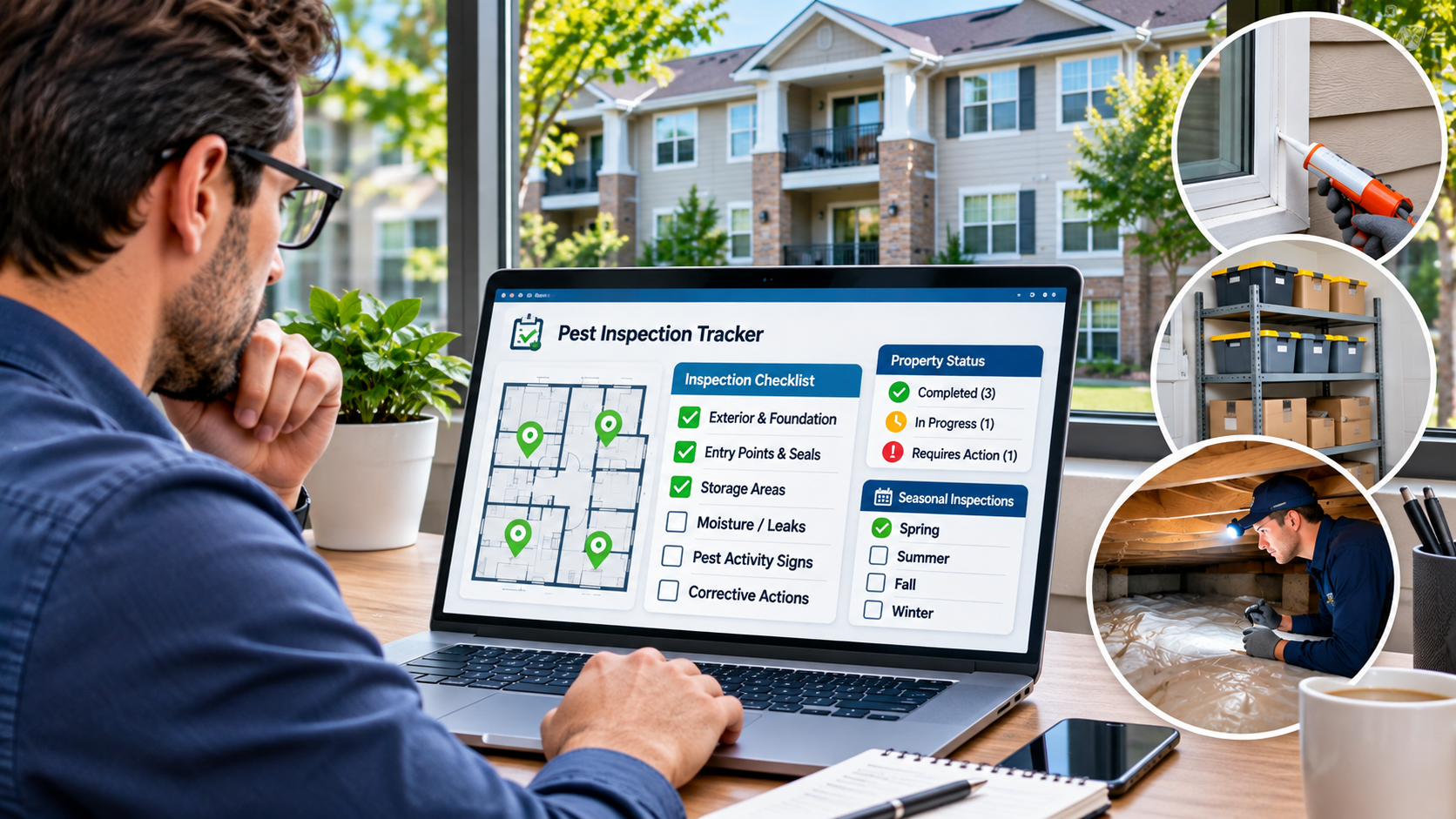
How to Build a Digital Pest Inspection Tracker for Property Managers
Property maintenance involves more than repairing equipment and responding to tenant complaints. Regular inspections, accurate records, and preventive maintenance workflows can help property managers identify potential problems before they become expensive repairs.
Pest activity is one area that deserves consistent monitoring. Rodents, termites, ants, cockroaches, and other pests can create maintenance challenges when warning signs are overlooked.
A simple digital pest inspection tracker can help property managers organize observations, record maintenance issues, and schedule follow-up inspections.
In this guide, we will explore how to design a practical inspection tracking system using a spreadsheet or a basic database.
- Define the Main Requirements
Before building an inspection tracker, identify what information property managers need to collect.
A useful system should record:
Property name and address
Inspection date
Inspector or maintenance employee
Area inspected
Pest type or suspected activity
Evidence observed
Moisture or sanitation concerns
Entry points and structural gaps
Recommended corrective actions
Follow-up inspection date
Current inspection status
The objective is to create a consistent record rather than rely on scattered notes, emails, or memory.
- Design a Simple Data Structure
For a more organized application, divide inspection information into separate entities.
A basic database could include four tables.
Properties
Stores information about each managed property.
Field
Purpose
property_id
Unique property identifier
property_name
Property name
address
Property address
property_type
Residential or commercial
created_at
Record creation date
Inspections
Stores individual inspection records.
Field
Purpose
inspection_id
Unique inspection identifier
property_id
Related property
inspection_date
Date of inspection
inspector_name
Person completing inspection
overall_status
Inspection status
next_inspection
Follow-up date
Findings
Stores individual observations from an inspection.
Field
Purpose
finding_id
Unique finding identifier
inspection_id
Related inspection
pest_type
Suspected pest
location
Area where activity was observed
evidence
Description of evidence
severity
Priority level
recommended_action
Suggested next step
Follow-ups
Stores corrective actions and their progress.
Field
Purpose
followup_id
Unique action identifier
finding_id
Related finding
assigned_to
Responsible person
due_date
Action deadline
completion_status
Pending or completed
completed_at
Completion date
Separating these records makes it easier to maintain inspection history and track recurring problems.
- Create a Consistent Inspection Workflow
A digital tracker is only useful when people follow the same process.
A simple workflow can look like this:
Select the property.
Create a new inspection record.
Record the areas inspected.
Document visible pest activity or warning signs.
Attach photographs when appropriate.
Assign corrective actions.
Set a follow-up date.
Review unresolved findings.
This workflow helps property managers understand what was inspected, what was discovered, and what still needs attention.
- Add Seasonal Inspection Categories
Pest activity can change throughout the year. A tracking system should make seasonal inspections easy to organize.
Spring
Focus on termite swarming activity, ants, moisture conditions, and exterior openings.
Summer
Monitor mosquitoes, ants, cockroaches, standing water, and outdoor pest activity.
Fall
Inspect storage areas, exterior gaps, garages, and potential rodent entry points.
Winter
Monitor indoor rodent activity, crawl spaces, attics, and areas where pests may seek shelter.
These are general inspection considerations. Actual activity depends on pest species, weather, property conditions, and local climate.
- Add Automated Reminders
One useful feature is an automated reminder system.
For example, when an inspection record is created, the application can calculate a follow-up date.
A simple JavaScript example:
function calculateFollowUpDate(inspectionDate, days = 30) { const date = new Date(inspectionDate);
date.setDate(date.getDate() + days);
return date.toISOString().split("T")[0]; }
const nextInspection = calculateFollowUpDate( "2026-11-24", 30 );
console.log(nextInspection);
The number of days should be configurable according to the property maintenance schedule and the issue being monitored.
A more advanced system could send email notifications when an inspection becomes overdue or when an unresolved finding requires attention.
- Build a Useful Dashboard
A dashboard can help property managers understand the current condition of their properties without reviewing every inspection record individually.
Useful dashboard metrics include:
Total inspections completed
Inspections awaiting review
Open maintenance actions
Overdue follow-ups
Properties with recurring pest observations
Inspection activity by season
Avoid treating the number of reported pest sightings as a direct measurement of infestation severity. Records should be reviewed in context.
- Consider Privacy and Data Quality
Inspection records may contain property addresses, photographs, tenant-related information, and maintenance notes.
A responsible tracking system should include:
Appropriate access permissions
Secure storage
Regular data backups
Clear retention policies
Consistent inspection terminology
Verification of submitted records
Photographs should be taken and shared with appropriate permission, especially when they could reveal private living spaces or personal information.
- When Professional Pest Inspection Is Necessary
A digital tracker helps organize observations, but it does not replace professional pest identification or treatment.
Repeated rodent activity, suspected termite damage, persistent insect sightings, and other recurring concerns may require a qualified inspection.
Property owners in Upstate South Carolina can learn more about local pest management information and services through Pest Control Upstate SC.
A documented inspection history can also help property owners communicate more clearly with pest management professionals.
Final Thoughts
A digital pest inspection tracker does not need to be complicated. Even a well-organized spreadsheet can help property managers document observations, assign maintenance tasks, and monitor follow-up inspections.
For larger property portfolios, a structured database and dashboard can provide better visibility into inspection history and recurring maintenance concerns.
The most important part is consistency: record observations accurately, review outstanding actions, and use the information to support preventive property maintenance.
About the author
- Pest Control Upstate SC provides reliable and professional pest control services
Comments
Join the discussionNo comments yet. Be the first to comment.